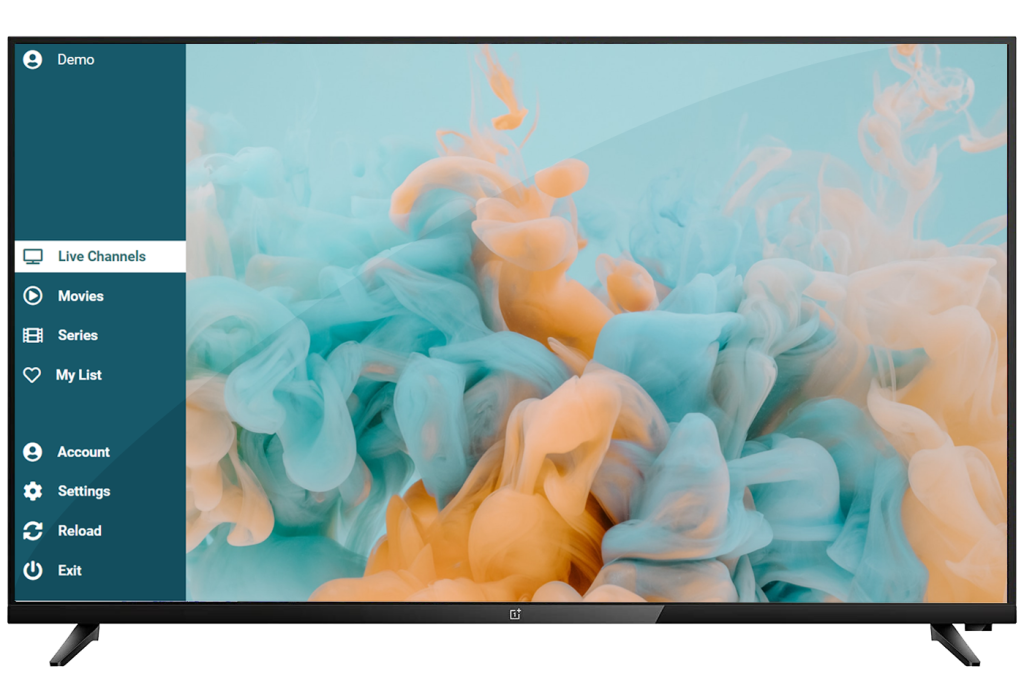
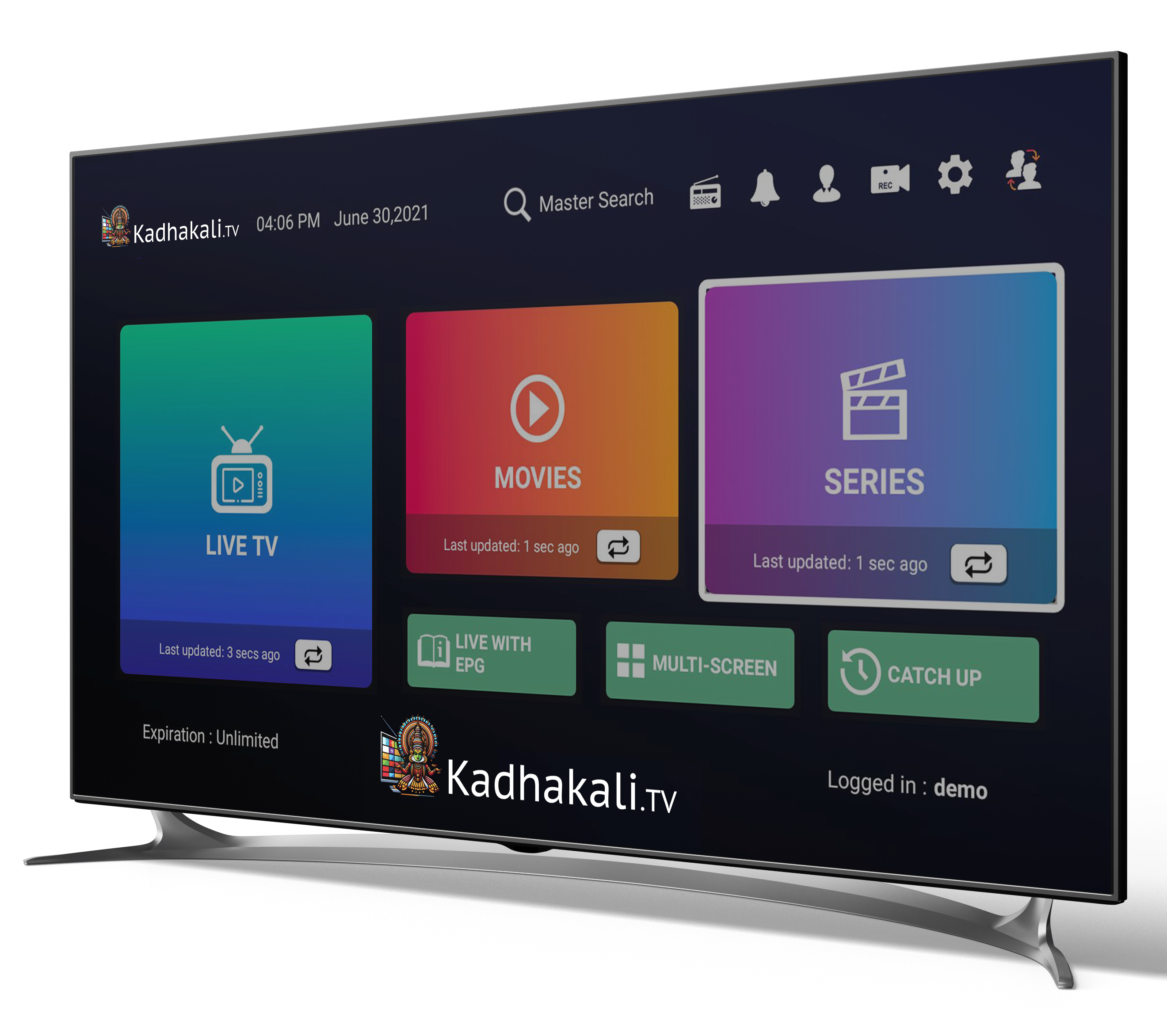
Bring Kadhakali TV to your smart device with Duplecast IPTV Player. Whether you’re using a Smart TV ( Non Android )follow these simple steps to integrate and start streaming seamlessly.
Step 1
Install Duplecast IPTV Player
Turn on your Smart TV
Go to the device’s App Store or Content Store.
Search for Duplecast and download the app.
Step 2
Launch and Obtain Your MAC ID
Open the Duplecast app on your device.
Follow On-Screen instructions
Locate your MAC ID and Device key displayed on the screen. Write it down or take a picture.