Follow the quick setup instructions below and enjoy endless streaming right on your big screen.
Step 1
Install on Firestick
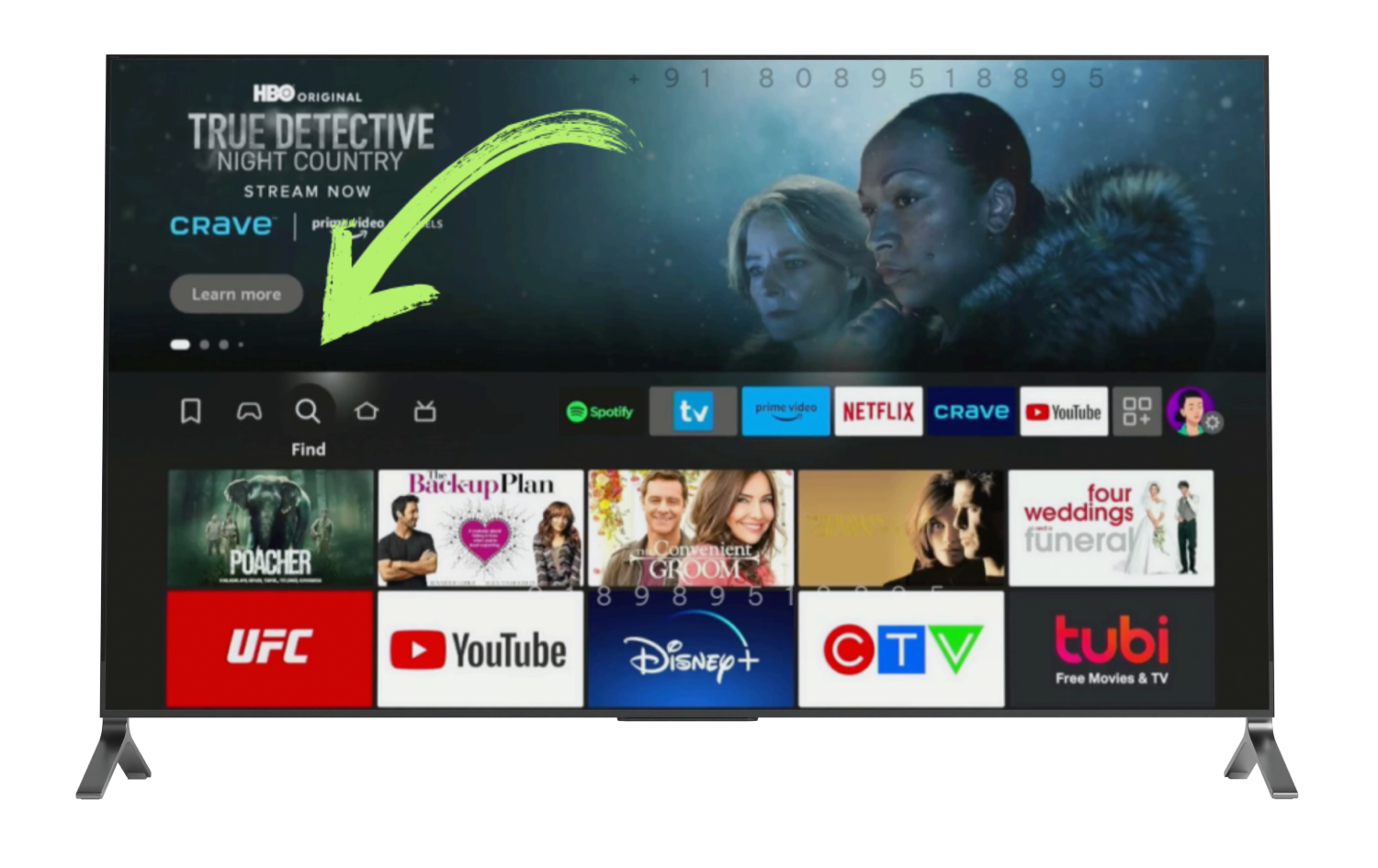
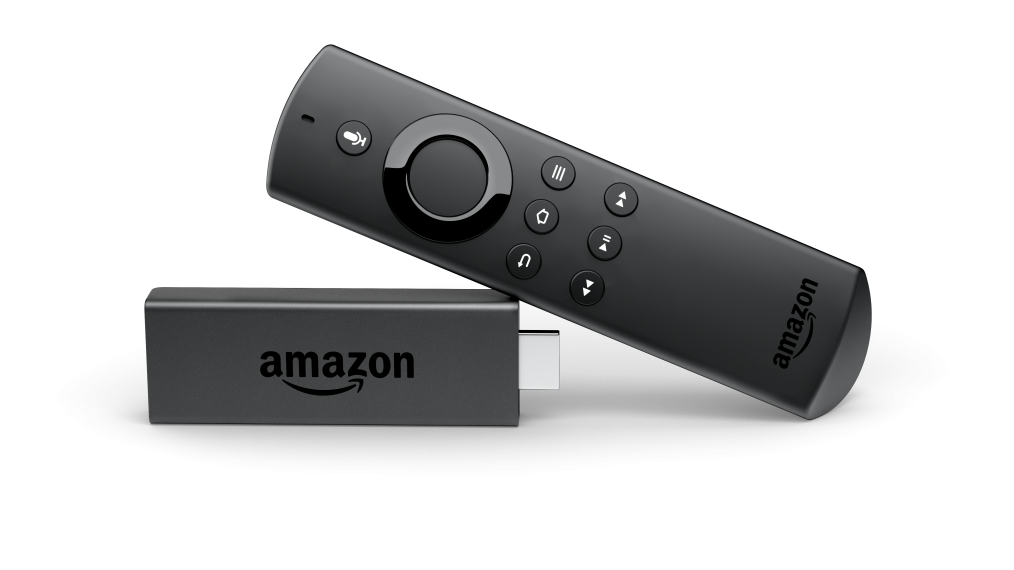
Turn on your Fire Stick and navigate to the Homescreen.
Go to the Search icon (magnifying glass) and Select App Store
In the search bar, type Downloader and select Downloader from the search results.
Click Download or Get to install the Downloader app.
Once installed, allow the Downloader app to access your files when prompted.
In the URL or Search Term field enter either the number 287216 or the url https://kadhakali.tv/3/kadhakali.apk
Enter either 287216 or https://kadhakali.tv/3/kadhakali.apk
Then Click Go. The Downloader app will retrieve the APK file for Kadhakali TV Player.
Once the APK file finishes downloading, a prompt will appear then Click Done to finish the installation.
Press the Home button on your remote to exit from the Downloader app
Step 2
Enable Developer Options
From your Fire Stick’s Home screen, scroll to the right and select Settings (gear icon)
Scroll down and select My Fire TV.
Click on About.
In the About menu, select your device name (e.g,Fire TV Stick or Fire Stick 4K).
Click the device name 7 times in a row. After the 7th click, a message will appear saying, “You are now a developer.”
Press the Back button once to return to the My Fire TV menu.
You will now see Developer Options.
In the Developer Options menu, select Apps from Unknown Sources.
Toggle it ON to allow installations from unknown sources.
Press the Home button on your remote to exit from My Fire TV menu
Step 3
Install Kadhakali App
Go to the Application Folder and select My Apps
Find and open the Downloader app from the list.
In the downloader app, navigate to the files tab.
Locate the Kadhakali Apll APK, click on it and install.
Once the installation is complete,Select Done
Press the Home button on your remote, then select Applications and navigate to my Apss.
From there select the Kadhakali app (do not open it yet). press the Menu button (three lines) on your remote and select move to front.
Now press the Home button again and yu will see the Kadhakali app on the Home screen.
One the Kadhakali app enter your credentials and click Sign In.
After logging in, ensure you Allow the Kadhakali app to access your files and media when prompted. This permisssion is necessary for the app to display programs.