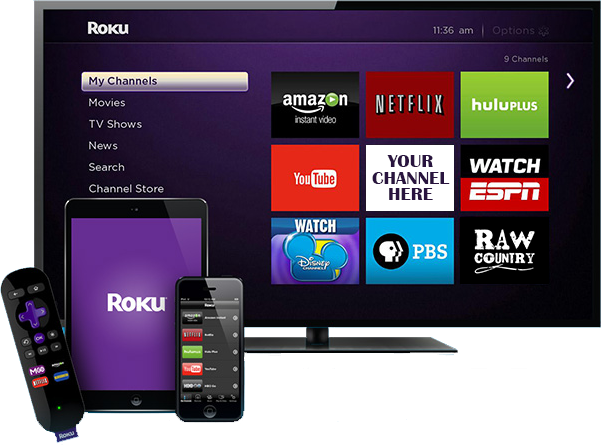
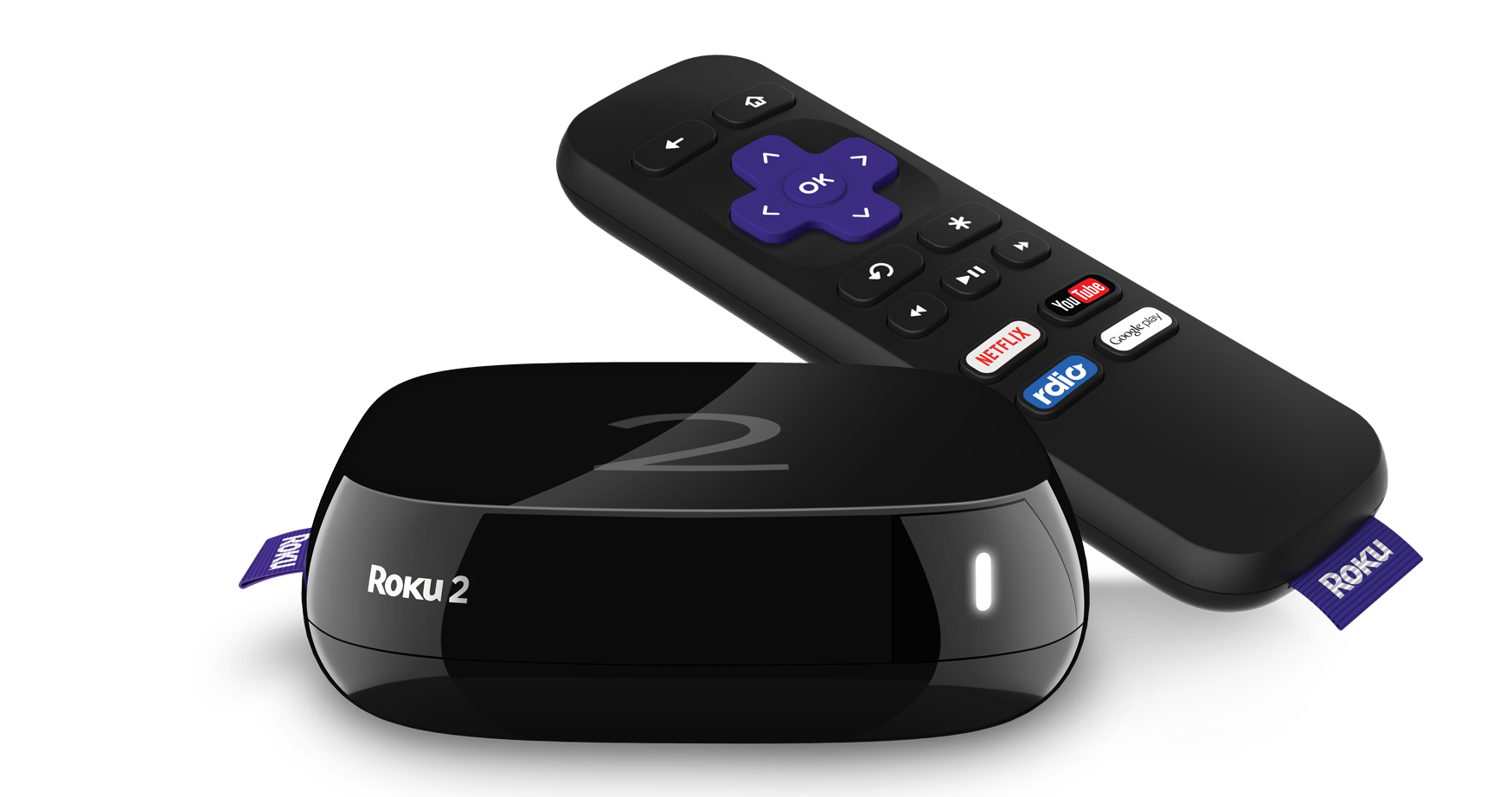
Turn your Roku TV into an entertainment powerhouse with Kadhakali TV. Follow the quick setup instructions below and enjoy endless streaming right on your big screen.
Step 1
Download ibPro Player on your Roku
Open your Roku and navigate to the Channel Store.
Search for IBPro Player using the search bar.
Select the IBPro Player and click Add Channel to install it.
Step 2
Locate Your MAC ID and Device Key
Open the IBPro Player app on Roku.
Follow the On – Screen Instructions.
The MAC ID and Device Key will be displayed on the screen.
Note down these details or take a photo for reference.